How to Gift Telegram Premium: Complete Guide for 2026
Last week, my colleague asked me how to gift Telegram Premium to her daughter who's studying abroad. Honestly, it's one of the most thoughtful digital gifts you can give — especially when someone's constantly sharing large files or managing multiple group chats. But here's the thing: the gifting process isn't as straightforward as you'd expect.
I've been using Telegram Premium since it launched in 2022, and I've gifted it to at least six people over the years. Trust me, there are some tricks that'll save you both time and money.
What Makes Telegram Premium Worth Gifting?
Before we dive into the how-to, let's talk about why Telegram Premium makes such a great gift. The recipient gets:
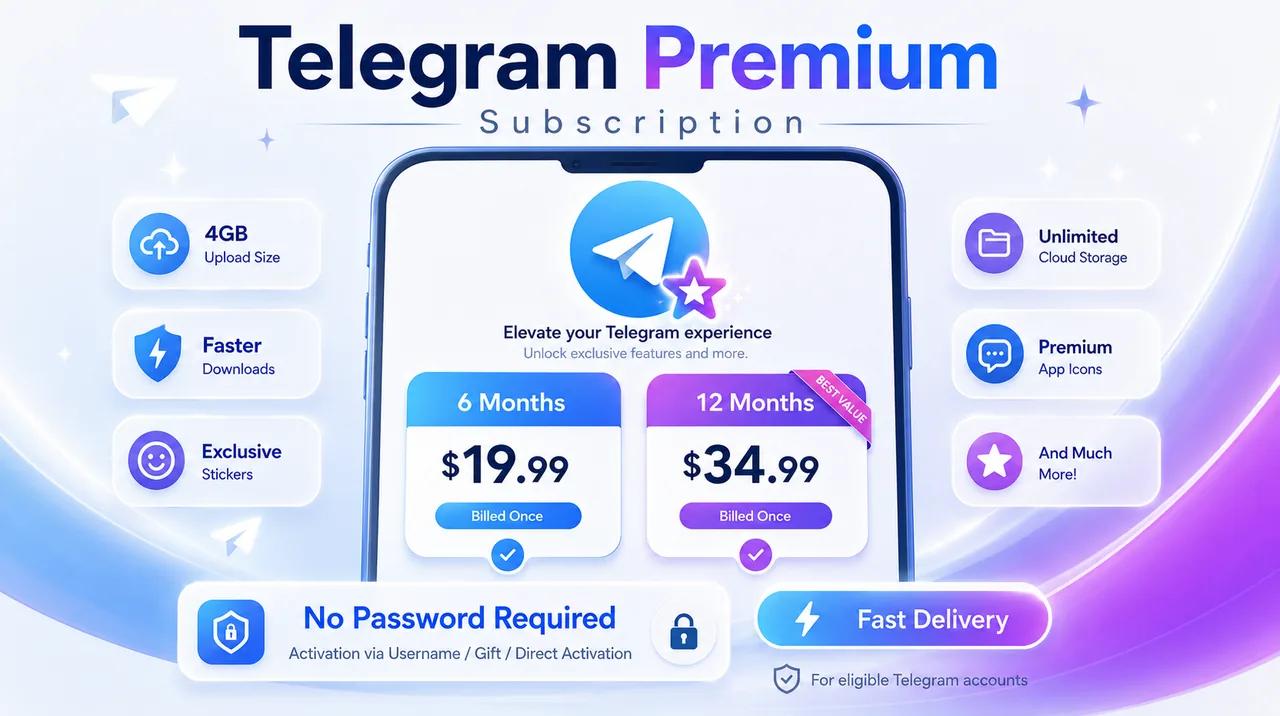
- 2GB file uploads (vs. 1.5GB for free users)
- Faster download speeds — noticeably quicker, especially for large files
- Voice-to-text conversion for audio messages
- Advanced chat management with folders and unlimited pins
- Premium stickers and reactions — honestly, the animated ones are pretty cool
- No ads in public channels
The monthly subscription runs $4.99 officially, but there are ways to get it cheaper (more on that below).
Official Methods to Gift Telegram Premium
Method 1: Direct Gift Through Telegram App
This is the most straightforward approach, though it's not available in all regions:
- Open the recipient's chat in Telegram
- Tap their profile picture or name
- Look for "Gift Premium" option (if available in your region)
- Select subscription duration (1, 3, 6, or 12 months)
- Complete payment through your preferred method
The catch? This feature isn't rolled out globally yet. As of May 2026, it's primarily available in select European countries and North America.
Method 2: Using Telegram Bot (@PremiumBot)
Telegram's official premium bot offers another gifting route:
- Search for @PremiumBot in Telegram
- Start a conversation and select "Gift Premium"
- Enter the recipient's username or phone number
- Choose subscription length
- Pay using the integrated payment system
This method works in more countries but still requires access to Telegram's payment system in your region.
Alternative Approaches When Official Methods Aren't Available
Here's where things get interesting — and where you can save some serious money. When official gifting isn't available in your region, or when you're looking for better pricing, third-party platforms become viable options.
I've personally used FmatrMarket for several digital subscriptions, including Telegram Premium. They offer competitive pricing and reliable delivery, though you should understand this involves purchasing from resellers rather than directly from Telegram.
How Third-Party Gifting Works
The process typically involves:
- Purchasing a premium subscription code or having someone activate it on the target account
- Providing the recipient's Telegram username or phone number
- The seller activates premium on their account
- You receive confirmation once it's active
Important note: This method technically violates Telegram's Terms of Service, as it often involves using payment methods from different regions. While I haven't seen accounts banned for this, there's always a risk. Consider this carefully before proceeding.
Pricing Comparison: Official vs. Alternative Sources
| Duration | Official Price (USD) | Third-Party Average | Potential Savings |
|---|---|---|---|
| 1 Month | $4.99 | $2.50-$3.50 | 30-50% |
| 3 Months | $14.97 | $7.00-$10.00 | 33-53% |
| 6 Months | $29.94 | $14.00-$18.00 | 40-53% |
| 12 Months | $59.88 | $25.00-$35.00 | 42-58% |
The savings are significant, especially for longer subscriptions. However, weigh this against the potential risks I mentioned earlier.
Step-by-Step Activation Guide
For Recipients: Activating Your Gifted Premium
Once someone gifts you Telegram Premium (regardless of method), here's what happens:
Official Gifts:
- You'll receive a notification in Telegram
- Tap the notification to activate
- Premium features are immediately available
- You'll see the premium badge on your profile
Third-Party Activations:
- The seller typically activates premium directly on your account
- You'll notice premium features appearing (like increased upload limits)
- Check your Settings > Telegram Premium to confirm
- Premium badge appears on your profile
Verification Steps
To confirm your premium is active:
- Go to Settings → Telegram Premium
- Try uploading a file larger than 1.5GB
- Check if ads are gone from public channels
- Test voice-to-text on audio messages
Money-Saving Tips I've Learned
After gifting Telegram Premium multiple times, here are some strategies that work:
1. Buy longer subscriptions: The 12-month option offers the best value whether you go official or third-party.
2. Watch for regional pricing: Some countries have lower official pricing due to purchasing power parity. If you're traveling or have friends abroad, this might help.
3. Consider gift card promotions: Sometimes Google Play or App Store cards go on sale, reducing your effective cost for official purchases.
4. Bundle with other digital gifts: Platforms like FmatrMarket often have package deals when you're buying multiple subscriptions.
Common Issues and Solutions
"Gift Premium" Option Missing
This is the most common problem. Solutions:
- Update your Telegram app to the latest version
- Try switching between Telegram and Telegram X
- Use the @PremiumBot method instead
- Consider third-party options if available in your country
Payment Method Rejected
Telegram can be picky about payment methods:
- Try a different credit card
- Use PayPal if available
- Consider Google Pay or Apple Pay
- Some regions only accept local payment methods
Premium Not Activating
If premium features don't appear immediately:
- Force-close and restart Telegram
- Log out and back in
- Wait 5-10 minutes — sometimes there's a delay
- Contact Telegram support if using official methods
Regional Availability and Restrictions
Telegram Premium availability varies significantly by country. According to Telegram's official blog, the service launched in June 2022 but rolled out gradually.
As of May 2026, here's the current situation:
Full availability: USA, Canada, most EU countries, UK, Australia
Limited availability: Parts of Asia, some Middle Eastern countries
Not officially available: Several regions still lack official premium support
If you're in a restricted region, third-party services become more attractive despite the ToS concerns.
Is Gifting Telegram Premium Worth It?
Honestly? It depends on how your recipient uses Telegram. For power users who:
- Share lots of large files
- Manage multiple group chats
- Use Telegram for work
- Hate ads in channels
...it's absolutely worth it. But for casual users who mainly text, the free version might be sufficient.
I gifted it to my tech-savvy friends and they loved it. When I gave it to my parents (who barely use half of Telegram's features), they appreciated the gesture but probably wouldn't pay for it themselves.
Alternative Gift Ideas
If Telegram Premium doesn't seem right, consider other digital subscriptions that pair well:
- Spotify Premium for music lovers
- YouTube Premium for heavy video watchers
- Cloud storage upgrades (Google Drive, iCloud)
- VPN subscriptions for privacy-conscious users
Future of Telegram Premium Gifting
Telegram's been expanding premium features regularly. Recent updates included improved chat folders, extended bio length, and enhanced sticker packs. The company seems committed to adding value for premium subscribers.
I expect gifting to become more streamlined as Telegram expands globally. They're clearly working on making the process easier — the @PremiumBot is evidence of this.
Bottom line: if someone in your life uses Telegram daily, premium makes a thoughtful gift. Just choose your purchase method wisely based on your comfort level with official vs. third-party options.