Game Pass PC and Console Cheap: Complete Tier Comparison & Where to Save Big
I'll be honest — I used to think Xbox Game Pass was just another subscription trap. Boy, was I wrong. After diving deep into Microsoft's gaming ecosystem and testing every tier, I've discovered it's actually one of the smartest investments for PC and console gamers. But here's the kicker: you don't need to pay full price.
Xbox Game Pass Tiers Explained (And Their Real Value)
Microsoft has streamlined their Game Pass offerings significantly since 2024, but the naming can still confuse people. Let me break down what you're actually getting with each tier.
Game Pass Core ($9.99/month)
This is the entry-level tier that replaced Xbox Live Gold. You get:
- Online multiplayer for Xbox consoles
- Access to 25+ games (mostly older titles)
- Exclusive member discounts
Honestly? Skip this one unless you literally only need multiplayer access. The game library is pretty weak compared to what you get stepping up to Standard.
Game Pass Standard ($14.99/month)
This is where things get interesting. You're looking at:
- Hundreds of games in the library
- Online multiplayer included
- Member discounts up to 20%
- No day-one releases (that's the catch)
For casual gamers who don't mind waiting a few months for new releases, this tier offers incredible value. I've personally saved over $300 just on games I would've bought anyway.
Game Pass Ultimate ($19.99/month)
The premium tier that most serious gamers end up choosing:
- Everything from Standard tier
- Day-one access to all Microsoft exclusives
- EA Play included (worth $4.99 alone)
- Cloud gaming on phones, tablets, and browsers
- Works on both PC and Xbox consoles
Here's my take: if you game regularly and own both a PC and Xbox, Ultimate is a no-brainer. The cloud gaming feature alone has saved me during work trips.
PC vs Console: Which Game Pass Tier Makes Sense?
This is where it gets tricky. Microsoft's naming doesn't always make it clear which devices each tier supports.
PC-Only Gamers
If you're purely a PC gamer, you've got two real options:
PC Game Pass ($9.99/month): This gives you the full PC library including day-one releases. It's essentially Game Pass Ultimate minus the console features and cloud gaming.
Game Pass Ultimate ($19.99/month): Worth it if you want cloud gaming or think you might get a console later.
Console-Only Players
Xbox console owners should choose between Standard ($14.99) or Ultimate ($19.99). The $5 difference for day-one releases and cloud gaming is usually worth it — especially when you consider blockbusters like the next Call of Duty or Elder Scrolls will hit Ultimate immediately.
Multi-Platform Gamers
If you game on both PC and console, Game Pass Ultimate is your only option for full cross-platform access. But here's a money-saving tip: the subscription covers up to five family members, so splitting with friends or family brings your cost down to around $4/month per person.
Where to Find Game Pass PC and Console Cheap
Now for the good stuff — how to actually save money on these subscriptions.
Official Microsoft Promotions
Microsoft regularly runs promotions, especially around major gaming events. I've seen Ultimate go for $1 for the first three months, and they often offer conversion deals if you have existing Xbox Live Gold.
Third-Party Digital Marketplaces
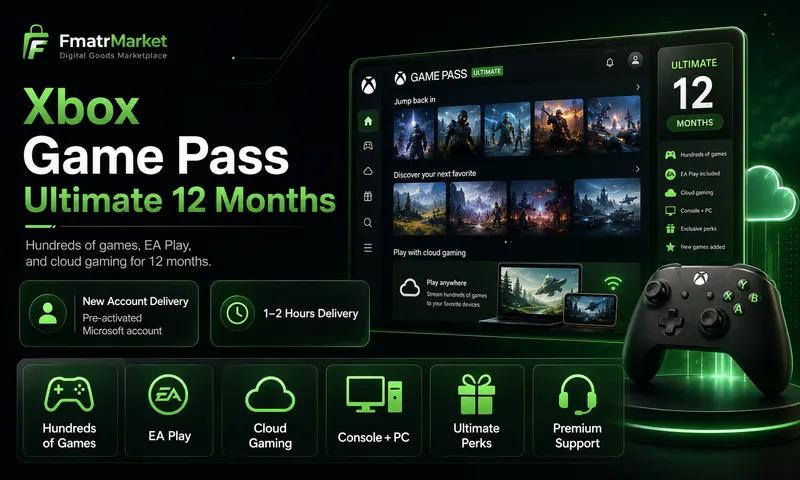
This is where you can find the biggest savings. Legitimate digital goods marketplaces like FmatrMarket often have Game Pass subscriptions at 30-70% off retail price. I've personally used them for several renewals — the keys are legitimate and activate instantly.
Just last month, I grabbed a 12-month Ultimate subscription for $89 instead of the retail $240. That's a $151 saving, which more than covers my gaming budget for other purchases.
Regional Pricing Strategies
Here's something Microsoft doesn't advertise: Game Pass pricing varies significantly by region. Using legitimate services that offer regional pricing can save you considerable money without violating terms of service.
Hidden Costs to Consider
Before you commit to any Game Pass tier, factor in these additional costs:
Storage Requirements: Game Pass titles are often 50GB+. You might need external storage, which can run $100-200 for decent capacity.
Internet Speed: Cloud gaming requires consistent 20+ Mbps. If you're planning to use this feature heavily, you might need to upgrade your internet plan.
Controller Costs: Cloud gaming works best with a controller. Budget an extra $60 if you don't already have one.
2026 Game Pass Value Analysis
Let me put this in perspective with real numbers. In 2026, new AAA games cost $70-80. With Game Pass Ultimate, you're paying $240 annually but getting:
- Day-one access to 10+ Microsoft exclusives (value: $700-800)
- EA Play subscription (value: $60)
- Hundreds of other games (conservative value: $500+)
- Cloud gaming capability
Even if you only play three new releases per year, you're ahead financially. And that's at full price — with discounted subscriptions from platforms like FmatrMarket, the value proposition becomes absolutely ridiculous.
My Honest Recommendation
After using every tier extensively, here's what I'd choose in different scenarios:
Casual gamer, console only: Game Pass Standard. The delayed releases aren't a dealbreaker if you're not hardcore about playing on day one.
Serious gamer, any platform: Game Pass Ultimate, but buy it discounted. The full-price annual cost ($240) hurts, but getting it for $90-120 through legitimate key resellers makes it a steal.
PC gamer who travels: Game Pass Ultimate purely for cloud gaming. Being able to continue your Starfield playthrough on a tablet during flights is genuinely game-changing.
The bottom line? Game Pass represents incredible value at any tier, but you'd be crazy to pay full retail price when discounted subscriptions are readily available through reputable digital marketplaces.